Latest Version
APPTERRA
Education
Windows
Free
9nrk47jsgfbp
Report a Problem
More About Digital Study Planner
A New Approach to Academic Organization
The Digital Study Planner academic tool stands out in the crowded educational software market by bridging the gap between natural handwriting and digital efficiency. Developed by APPTERRA for the Windows platform, this application is designed specifically for college and university students who want to maintain the tactile feel of a traditional paper diary while leveraging modern digital organization features. If you prefer using a stylus but need the searchable convenience of digital text, this planner offers a compelling hybrid solution.
Key Features of the Digital Study Planner Academic Tool
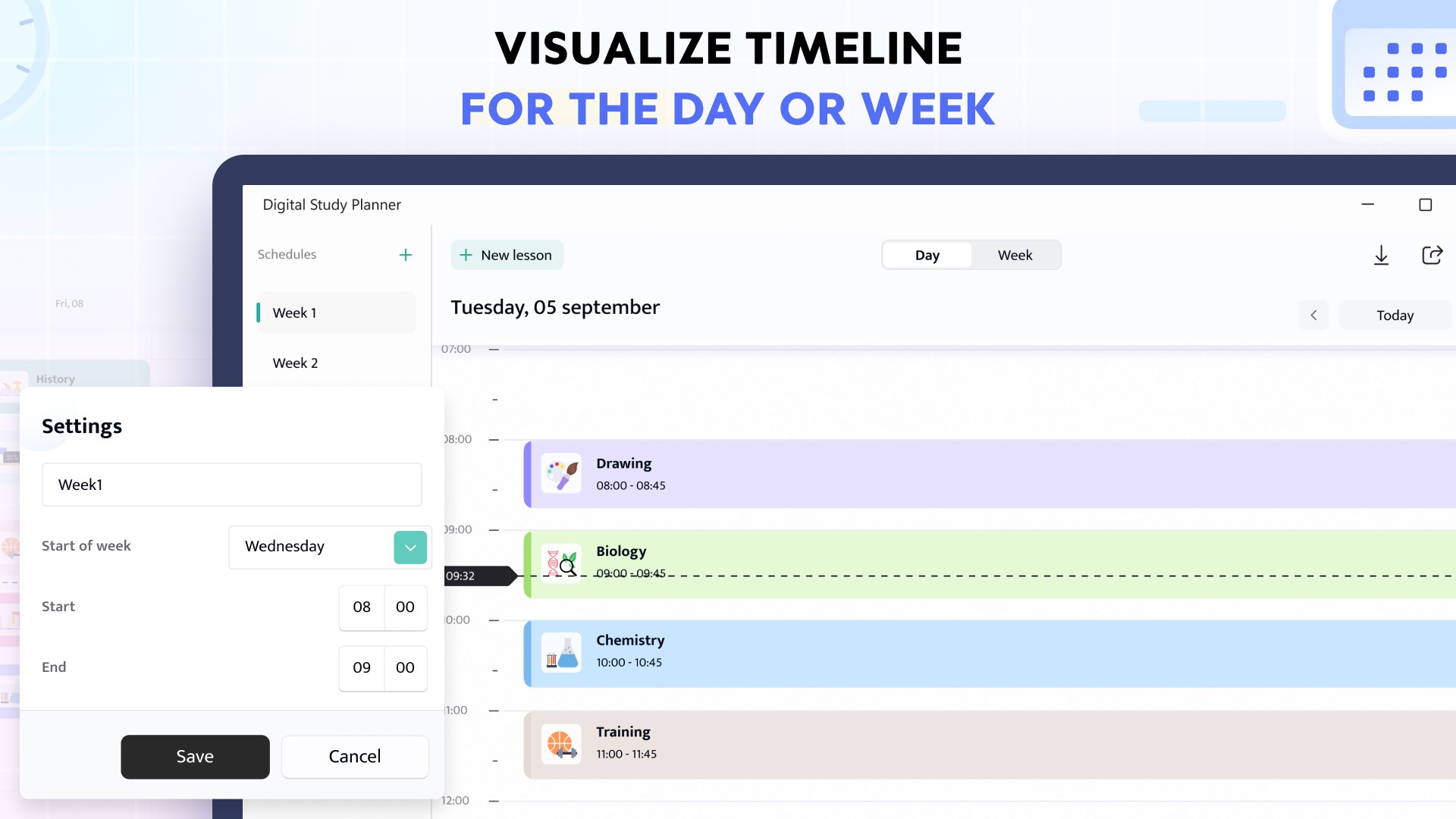
This software goes beyond basic calendar grids to offer an interactive academic hub. Here are the core functionalities that define the user experience:
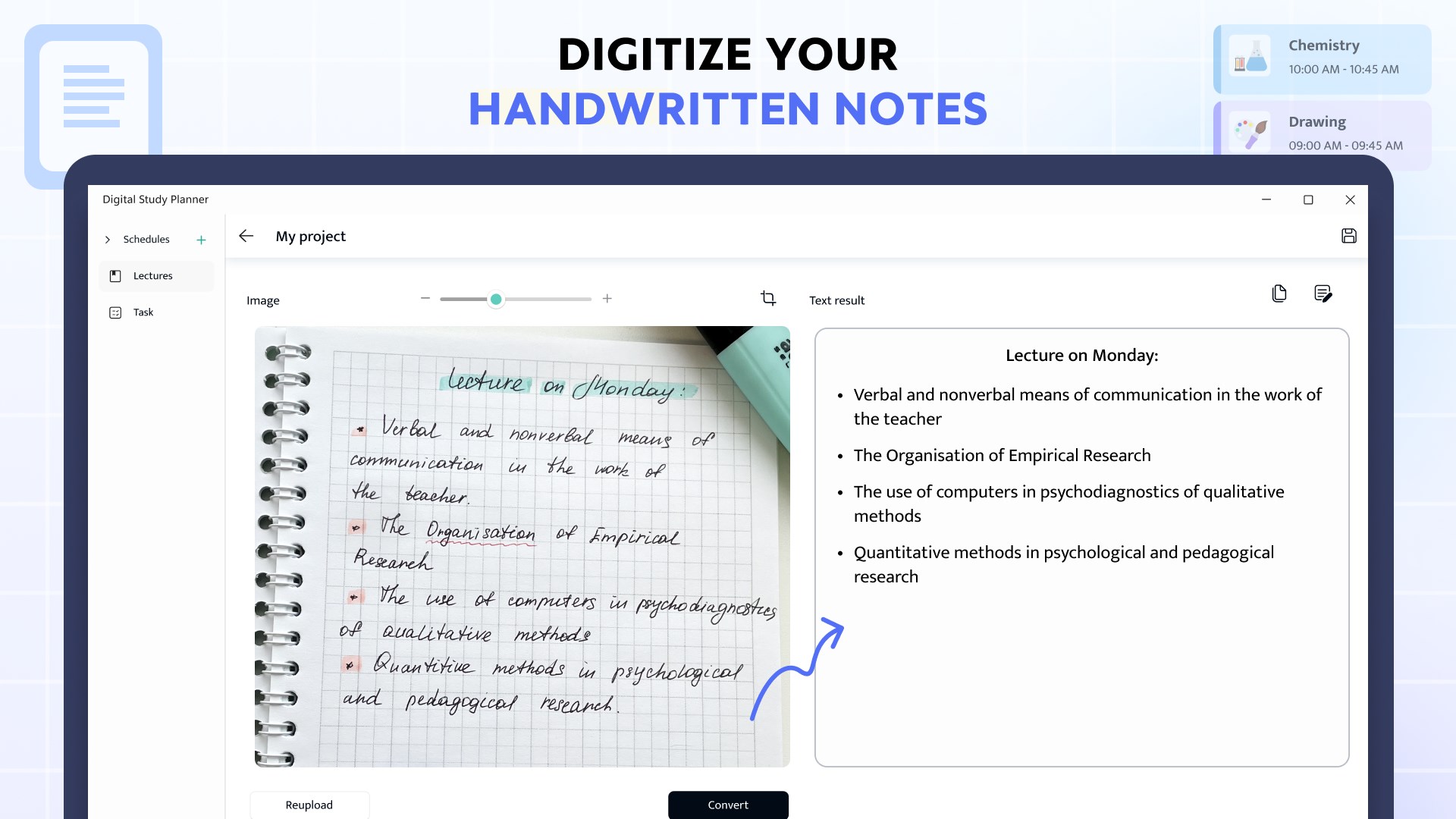
- Authentic Handwriting Integration: Use your stylus to write directly onto your digital timetable, add quick margin notes, or sketch out study reminders just like a physical school diary.
- AI-Powered Text Conversion: Available in the premium tier, the intelligent AI engine converts your handwritten notes into clean, editable digital text effortlessly.
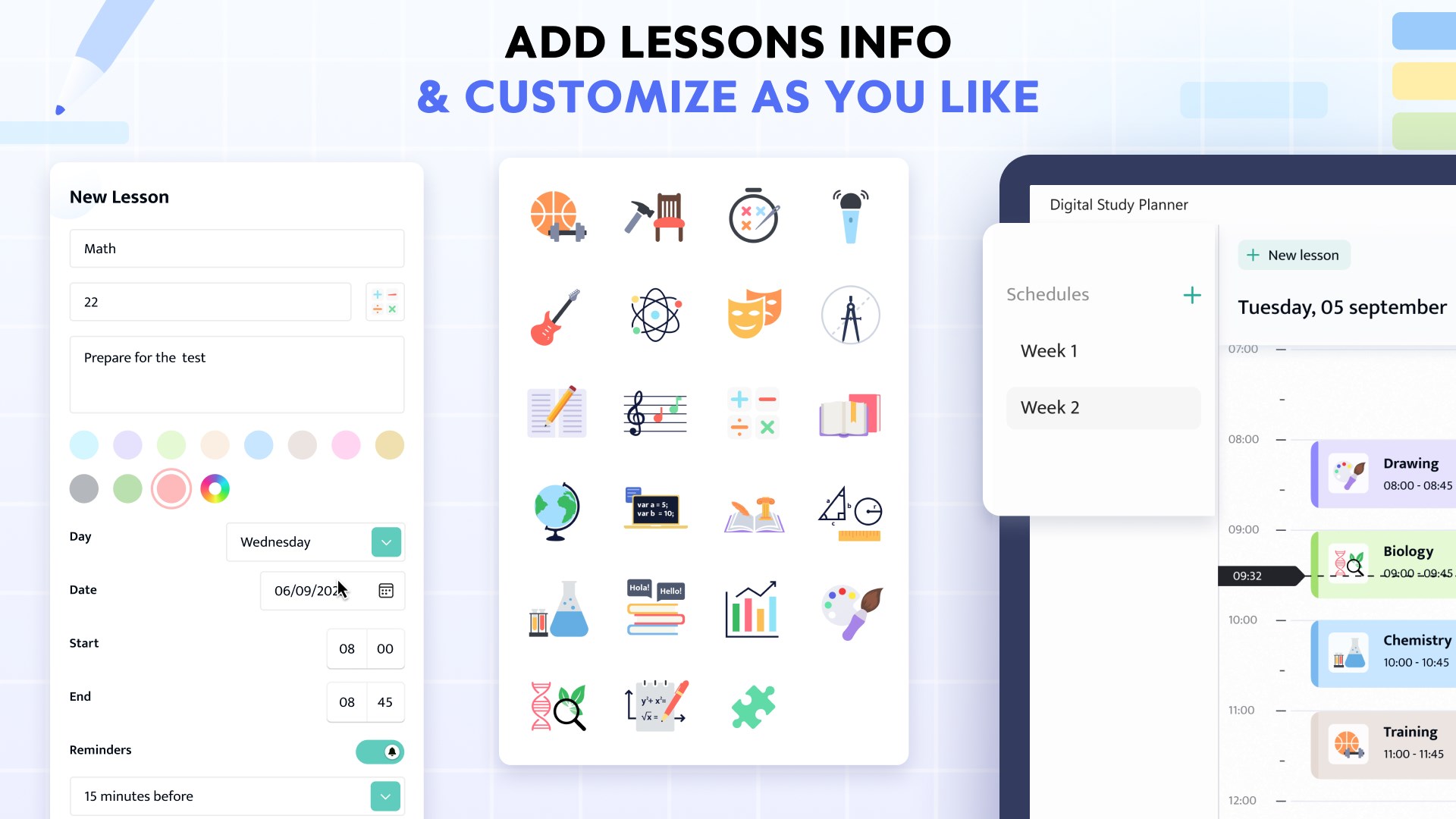
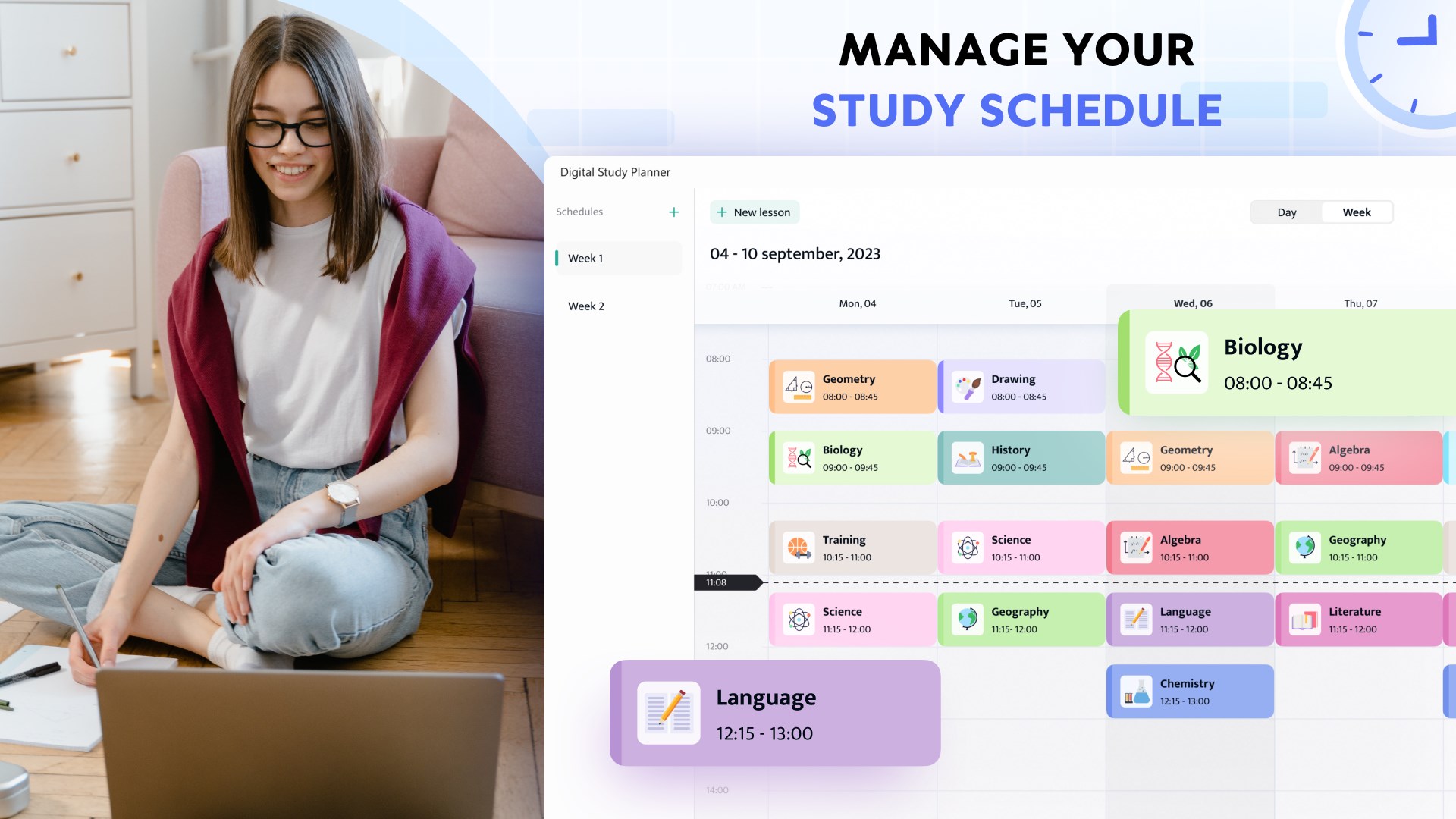
- Vibrant Timetable Customization: Personalize your academic schedules with distinct color schemes to organize different subjects, lectures, and assignment deadlines visually.
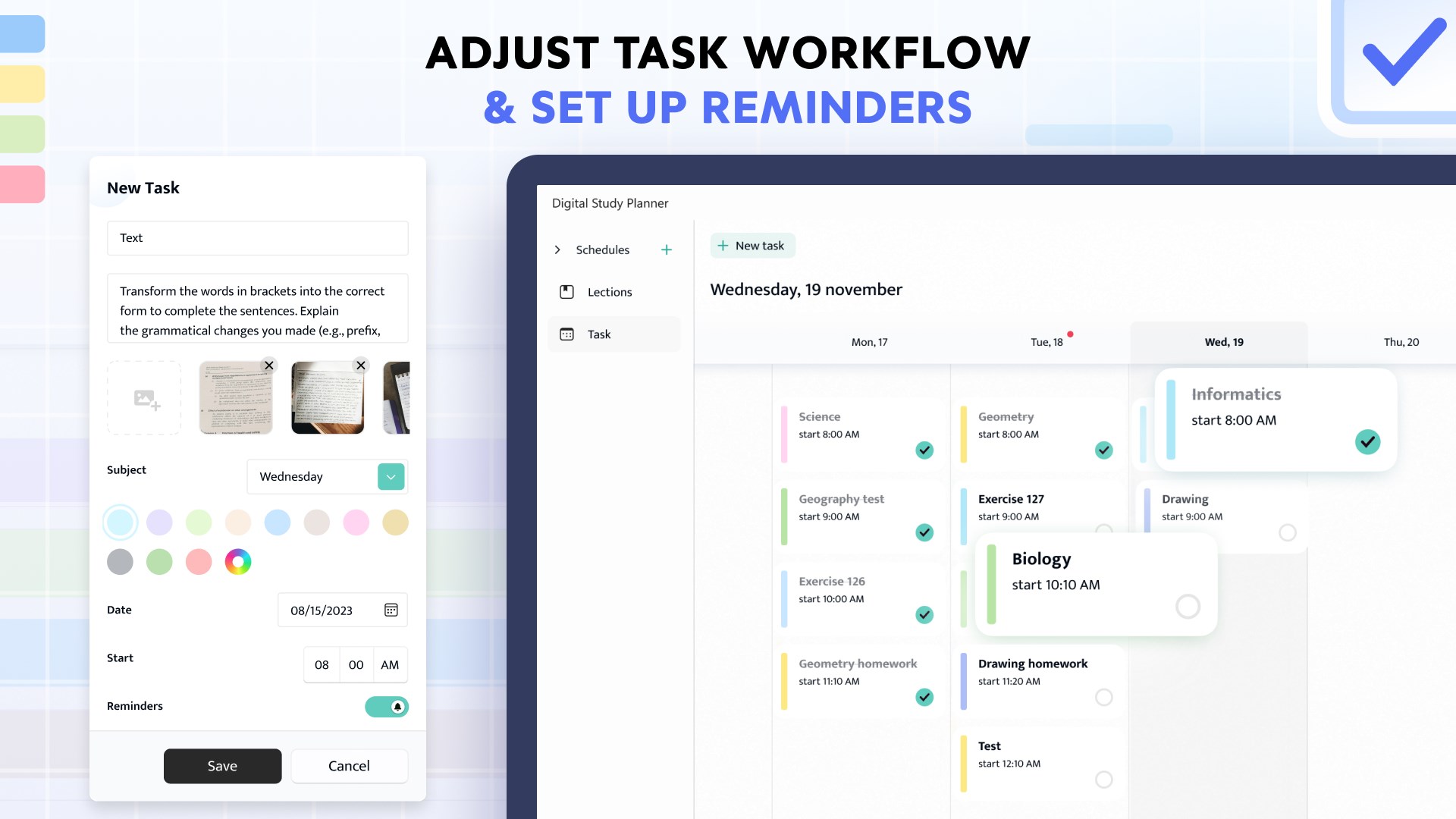
- Seamless Lesson Scheduling: The free version provides intuitive tools to quickly log your daily classes, build a cohesive weekly schedule, and track tasks.
Who Is This Digital School Diary For?
This application is highly tailored for students who utilize Windows tablets or 2-in-1 devices with stylus support. If you find standard keyboard-based calendar apps too rigid or slow during fast-paced lectures, the ability to quickly jot down handwritten notes directly onto your planner makes it an excellent productivity companion. It serves as an elegant digital binder that keeps your academic commitments organized in one central, customizable space.
Comparing Free vs. Premium Features
The developer offers a tiered approach to match different student budgets. With the free version, users can easily schedule lessons, manage basic tasks, and access standard customization options. Upgrading to the premium version unlocks the full potential of the application, granting access to advanced AI handwriting-to-text conversion and expanded personalization features to maximize your study efficiency.
Get Started with Your New Study Routine
If you are ready to streamline your lecture schedule and elevate your academic productivity on Windows, this application is worth exploring. You can learn more about its features and read user reviews by visiting the official Microsoft Store page for the Digital Study Planner.
Rate the App
User Reviews













Popular Apps








Editor's Choice